

Table of contents
9 sections · 6 min read
In short
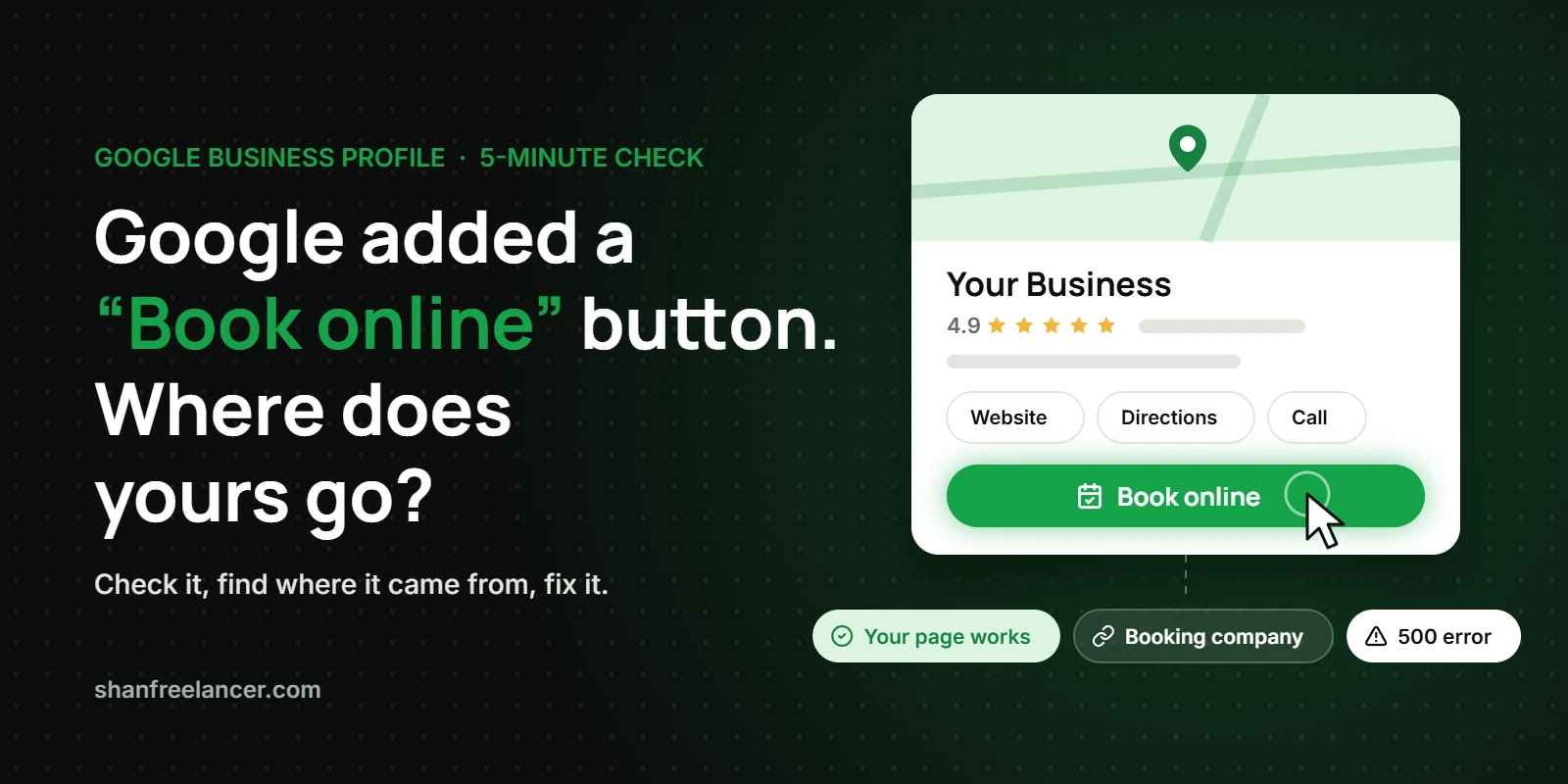
- Some Google Business Profiles now show a “Book online” or “Schedule” button the owner never added. Specialists reported it in early November 2026.
- Buttons that pointed to the business’s own page worked. Buttons that pointed to Google’s reservation system showed an error.
- Check yours on your phone in about five minutes, find where the link came from, then fix it based on what you see.
In early November 2026, several local SEO specialists reported these buttons showing up on profiles without the owner doing anything. Some buttons worked. Others opened a Google error page.
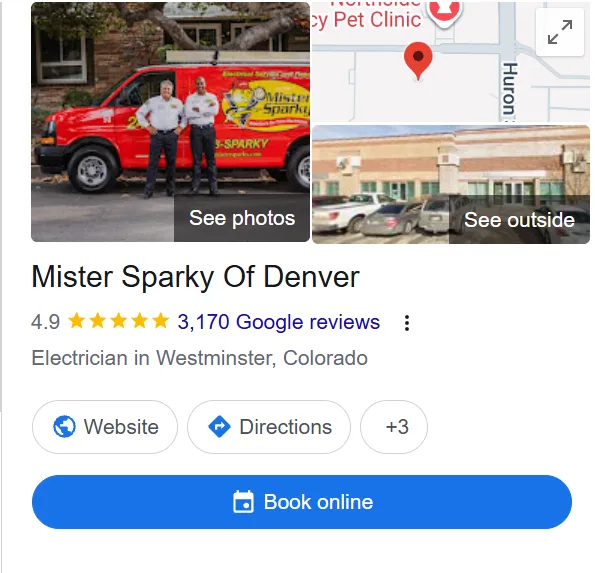
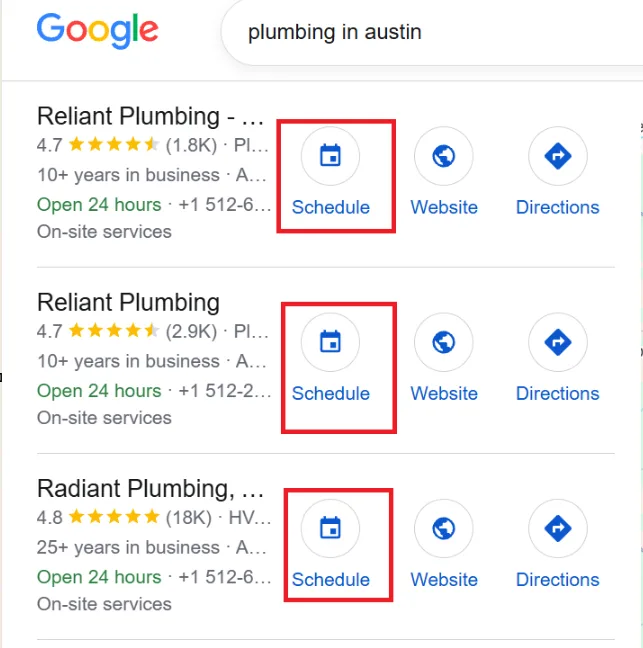
If yours is broken, a customer who was ready to book hits a dead end. Most people will go back and tap the next business in the list.
The check takes about five minutes. This post shows you how to do it, how to find where your Google Business Profile booking link came from, and how to fix it.
What happened in November 2026
On November 9, Search Engine Roundtable reported that Google may be adding booking links to some business profiles automatically.
Several business owners and people who manage Google Business Profiles found a booking link on their own profiles. They tapped it and landed on their company’s contact and scheduling page.
Other specialists saw that the “Book online” button returned an error when they clicked it.
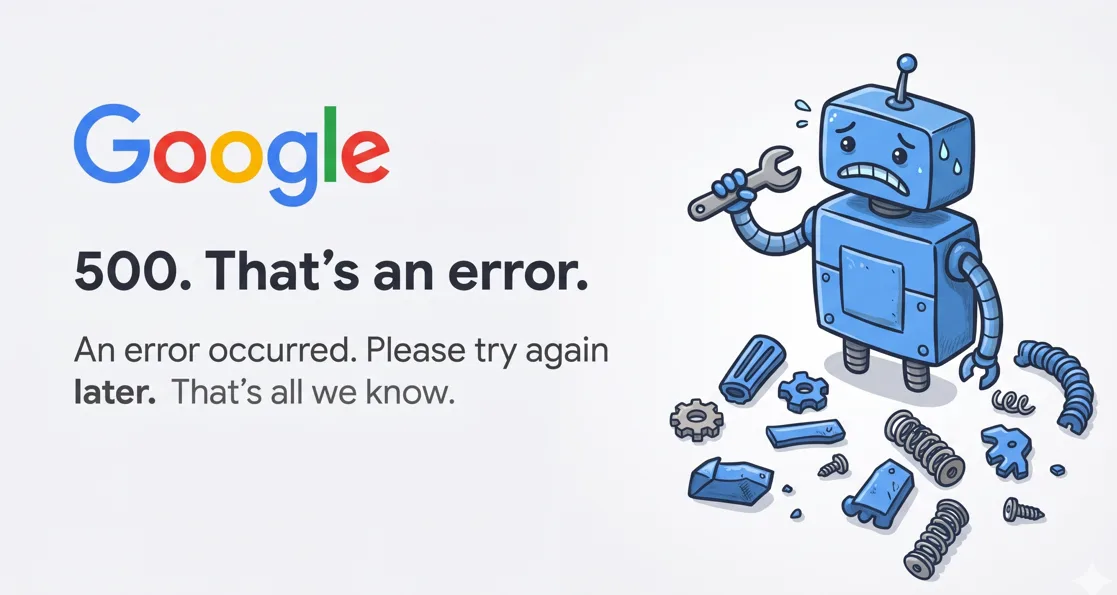
A pattern showed up in those reports. Links that pointed to the business’s own page worked. Links that pointed to Google’s own reservation system returned a “500 error”, which means the failure was on Google’s side.
What we don’t know yetGoogle has not commented. So I cannot tell you if this is a full rollout, a test, or a bug. I can tell you how to check your own profile, which is the part that affects your phone.
Why this matters most for home service businesses
Dentists and salons have had booking buttons for years. Home service companies mostly have not.
According to the specialists quoted in that report, a home service business could get this button only through “Reserve with Google”, using one of Google’s approved booking partners. Many scheduling tools built that connection in. The profiles they saw this month had no scheduling software at all, and the button went to a contact form.
So a roofer, plumber or HVAC company that never set up online booking may now have a booking button.
That can be good news. If the button opens a page that works, customers have one more way to reach you.
There is one catch. “Book online” makes a promise. The customer expects to pick a day and a time. If they land on a general contact form, some will fill it in and some will leave. You should know which page they see.
How to check your Google Business Profile booking link in five minutes
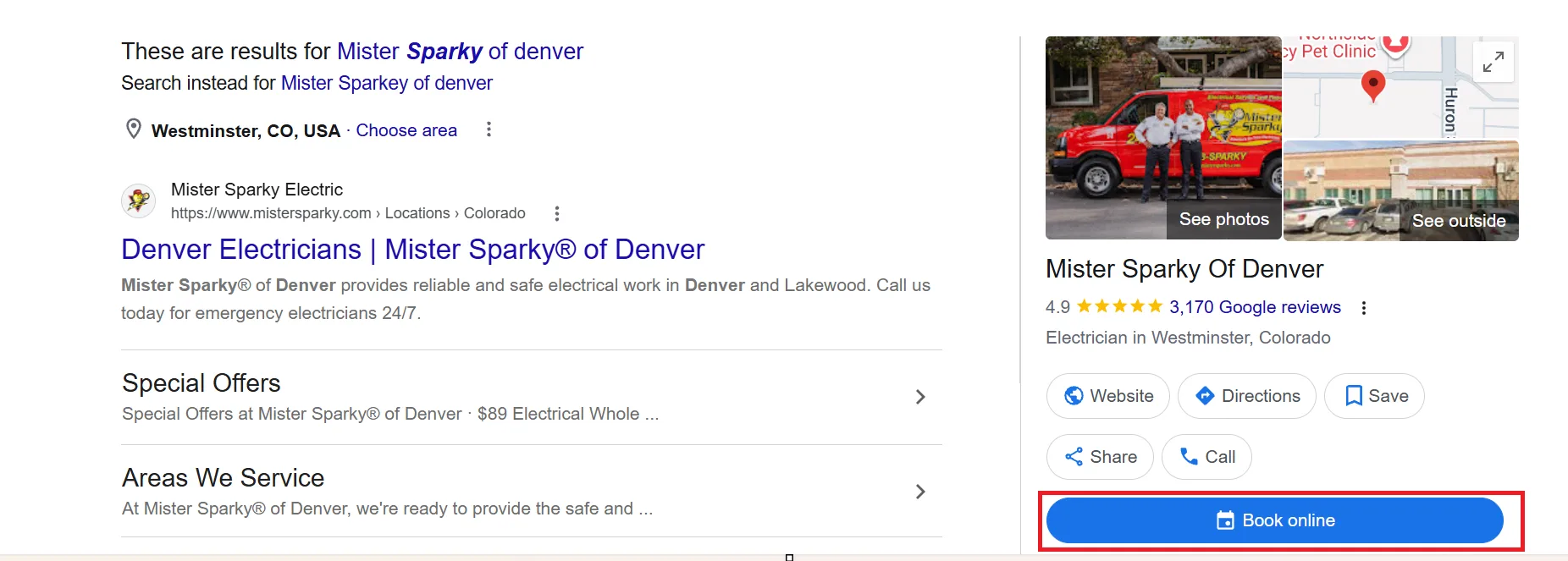
Do this on your phone first. Most local searches happen there.
- Open a private browser window, so you see what a customer sees.
- Search your exact business name plus your city on Google.
- Look at the buttons near “Call”, “Directions” and “Website”. Check for “Book online” or “Schedule”.
- Tap the button and note where you land.
- Open the Google Maps app, find your business, and tap the button there too.
- Repeat once on a desktop computer.
- Take a screenshot of anything broken. Write down the date.
You will end up with one of four results:
- Result 1The button opens your own website, and the page works.
- Result 2The button opens a booking company’s page.
- Result 3The button opens an error page.
- Result 4There is no button.
Each result needs a different fix. First, find out where the link came from.
Where the link came from
A booking link can reach your profile in three ways.
You, or someone who manages your profile, added it. One specialist in the report noticed something new here. On several client profiles, adding the website’s contact page in the booking link section now makes the “Book online” button appear. Before, this seemed to need a booking partner. If you added a link there in the past, that may be your answer.
A booking partner may have added it. Google’s help page on local business links says appointment and reservation links can appear automatically through third-party partners. If you ever tried a scheduling tool, even on a free trial, it may still be connected.
The third possibility is Google. That is what this month’s reports suggest, but Google has not confirmed it.
To see your links, sign in to the Google account that manages your profile. Go to business.google.com, or search your business name on Google, and select “Booking”. In Google Maps, select “Edit profile” and then the booking option. You will see the links attached to your profile.
How to fix each result
The link opens your own page and it works
Keep it. Then make sure the page lets someone finish the job on a phone.
If you have more than one booking link, pick the one customers should see first. Google calls this the preferred link. Go to your profile, select “Booking”, choose “Set preferred link”, pick the link, and save. Google then shows that link at the top of the list with the label “Business preferred”.
The link opens a booking company you do not use
You cannot delete a partner’s link from your own profile settings. Google’s help page says you must contact the provider. Use the opt-out link on their page, their support form, or your old account.
Google says providers must process opt-out requests within 5 business days. If the link is still there after that, report it through Google’s third-party complaint form.
Start this one todayIt is the slowest fix on the list.
The link opens an error page
In the reports, the broken links were the ones pointing to Google’s own reservation system. You cannot repair a page that Google hosts.
Here is what you can try. Open “Booking” and select “Add link”. If a link is already there, the button says “Add another link”. Paste the address of your own booking or contact page, and save. Then set it as your preferred link.
I cannot promise this removes the broken button. Nobody has confirmed a fix yet. Check again in two or three days. If it still fails, contact Google Business Profile support and send your dated screenshot.
There is no button
Nothing is broken. You only need to decide if you want one.
If you do, the steps are the same. Open “Booking”, select “Add link”, paste your page address, and save. Google allows up to 10 links per category. One good link is enough.
What the page behind the button needs
This part is my own advice, based on what I look for when I review a service business website.
The page should load fast on a phone. Put your phone number at the top and make it tappable. Some people who tap “Book online” still prefer to call.
Keep the form short. Name, phone, address or zip code, and what they need is usually enough. Every extra field loses a few people.
Say what happens next. “I will call you within one business hour” is better than “Thanks for your message”. Only write a reply time you can keep.
List the towns you serve near the form. People from outside your area will not waste your time, and local customers feel sure they are in the right place.
Then test it. Submit the form yourself and confirm the lead reaches your inbox or your phone.
What I would not do
- Do not delete a working link because it surprised you. A working button is free.
- Do not buy scheduling software only because of this change. A simple contact page with a short form is fine for most trades. Buy software when your office needs it.
- Do not assume the button will stay. Google has not confirmed anything, and it tests profile changes often. What you see this week may change next month.
Check your profile once a month
Google edits business profiles without telling the owner. A new button is one example. Hours, categories and photos can change too.
Your five-minute monthly check
- Search your business the way a customer would.
- Tap every button.
- Read your hours and phone number.
- Fix anything that looks wrong the same day.
It is a small habit, and it protects the calls and booked jobs your profile already brings in.
Want me to check it for you?
I review Google Business Profiles and websites for US local service businesses. I will look at your buttons, links, categories and the page behind them, and send you what I find in plain English.